Step-by-step walkthrough of building a line list from scratch: selecting programs and data elements, using filters and sorting, managing columns, and downloading your results.
Discover the main components of the Line Listing app interface. See how it differs from the Events Report app, what inputs you need to create a line list, and how to navigate the menus.
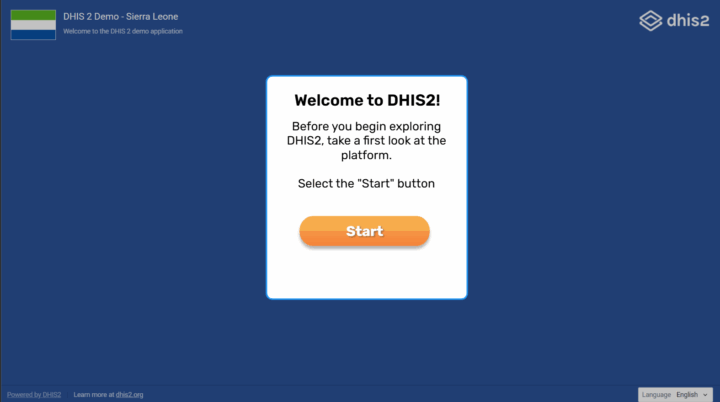
Learn the basics of DHIS2 with this interactive guide. Discover how to log in, explore the home screen, and navigate the applications menu to begin working effectively with the platform.