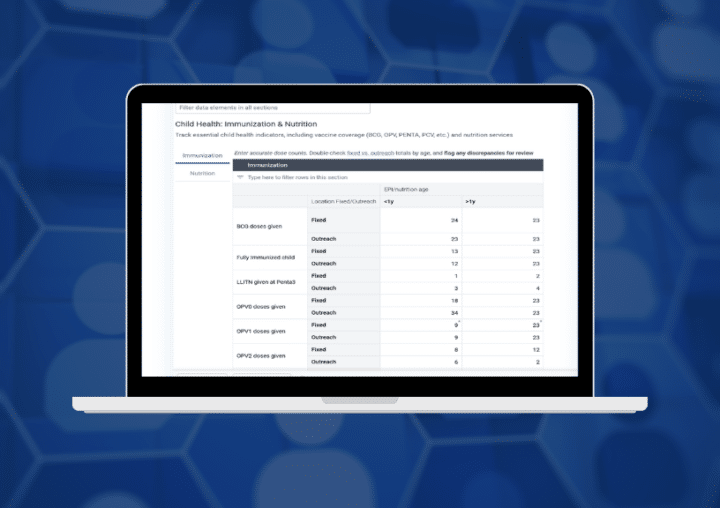
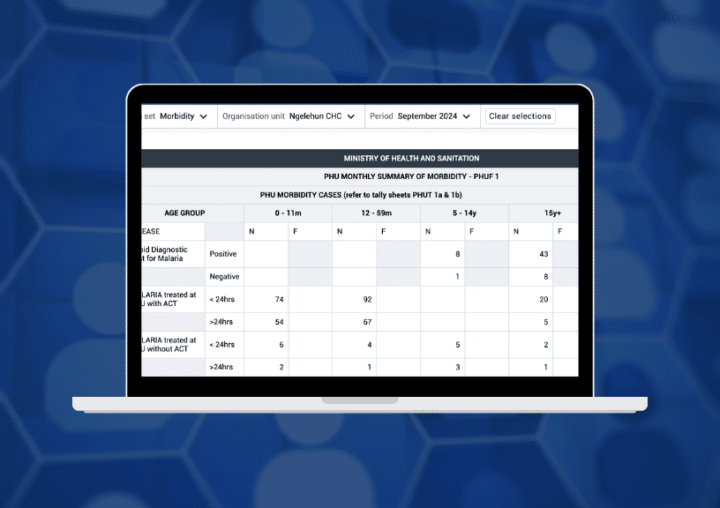
Learn how to configure data entry forms in DHIS2 for web and Android, including simple, section, and custom forms to create intuitive data capture experiences.
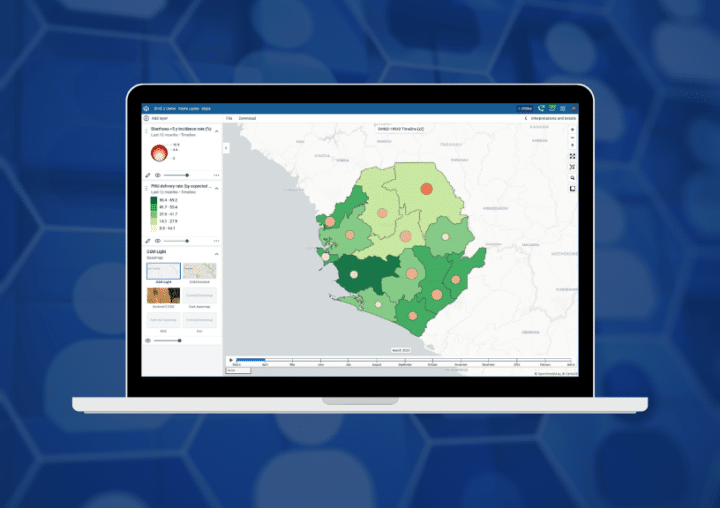
Review the maps app, with a special focus on features supporting epidemiological surveillance.
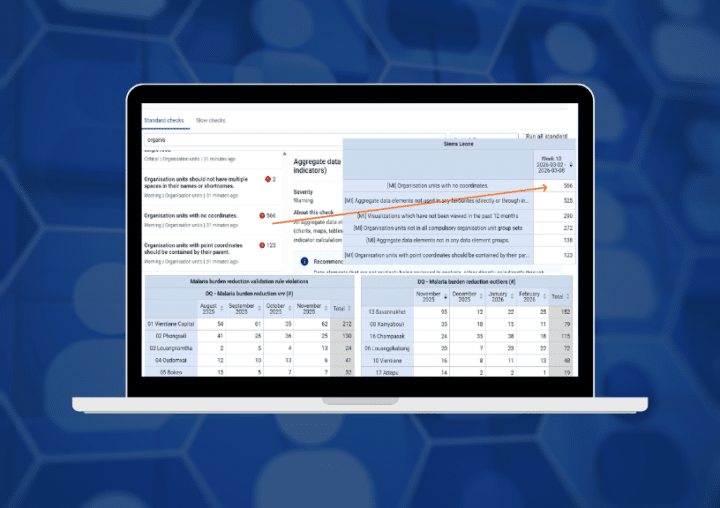
Learn about the Data Quality Workbench, an external, Python-based tool that allows you to supplement the built-in data quality features within DHIS2.
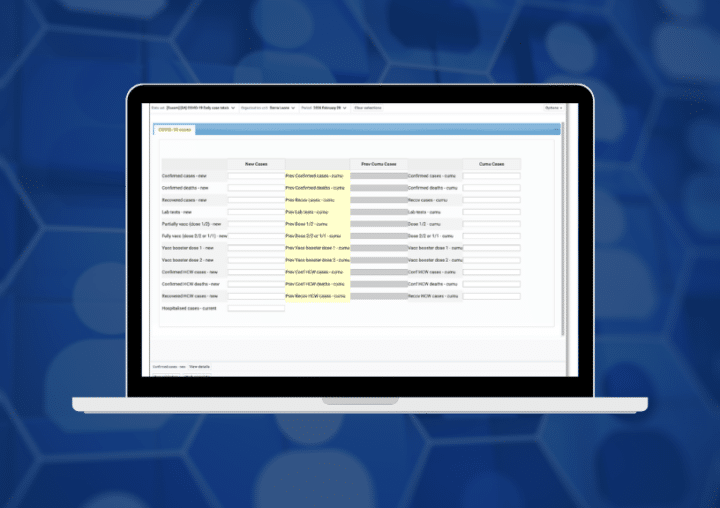
Learn how the DHIS2 legacy custom forms plugin enables existing JavaScript-based data entry forms to work with the new Data Entry app.
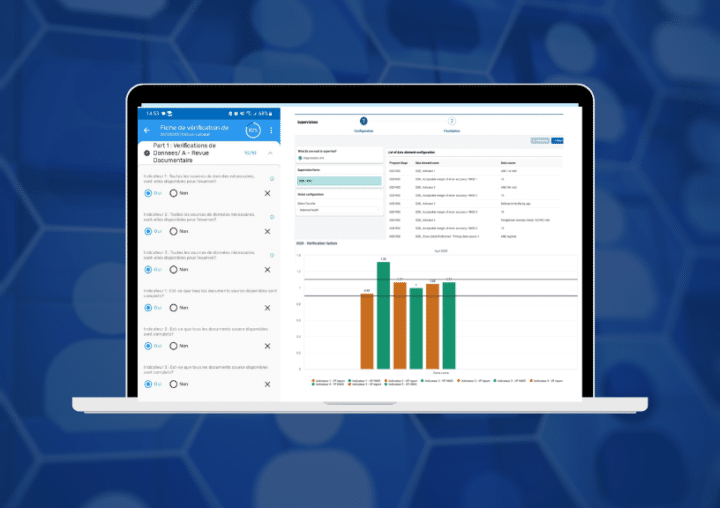
Explore how the eRDQA (Routine Data Quality Assessment) and DQR-RSC (Data Quality Review Routine Supervision Checklist) supervision tools are implemented within DHIS2.
Découvrez comment les outils de supervision eRDQA (Routine Data Quality Assessment) et DQR-RSC (Data Quality Review Routine Supervision Checklist) sont mis en œuvre dans DHIS2.
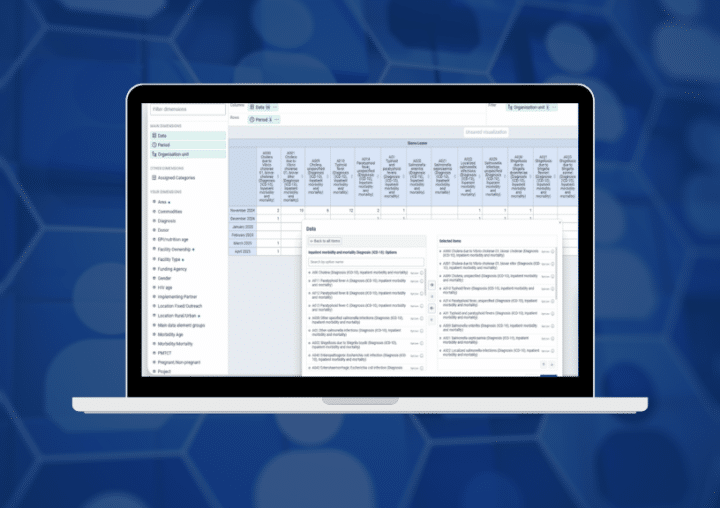
Explore practical Data Visualizer features for building clearer charts, pivot tables, data-quality views, and interactive dashboards in DHIS2.
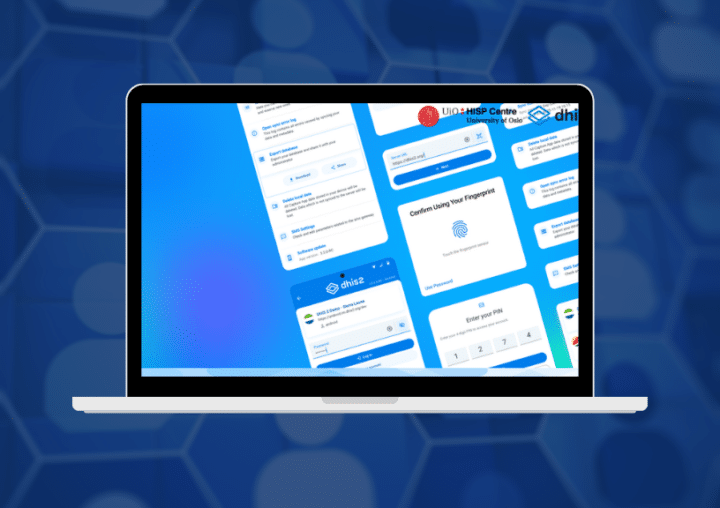
Discover Android Capture 3.3’s new integrations, redesigned interface, faster synchronization, and performance improvements for more efficient mobile data collection.
Explore the key updates in DHIS2 version 42 and Android Capture 3.2, including improved security, data collection, analytics, extensibility, and a more consistent experience across web and mobile.
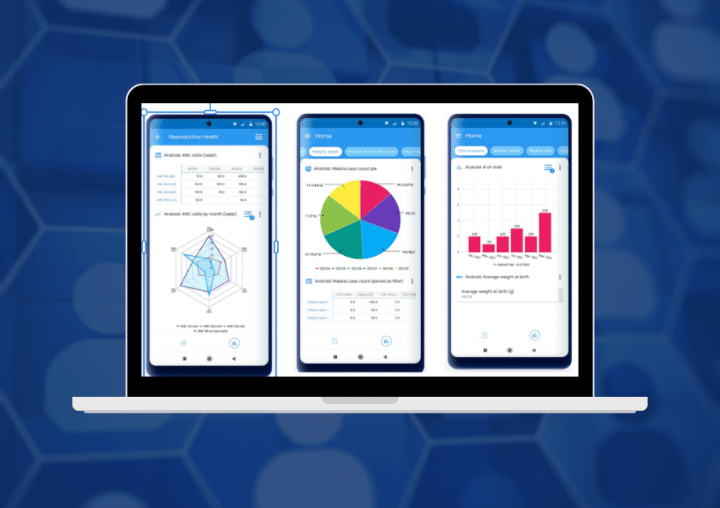
Learn how Android Analytics turns locally stored DHIS2 data into offline charts, tables, and line listings that support faster decisions during data entry and fieldwork.
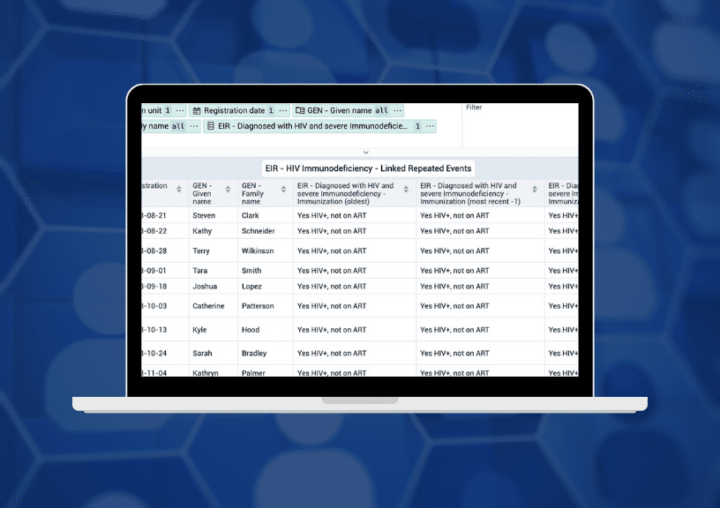
Learn how to create flexible, filterable line lists in DHIS2 for reviewing events, enrollments, and tracked entities.
Explore the new DHIS2 aggregate Data Entry app and learn how modern forms, validation, details panels, and flexible section configurations improve data entry.