Go to the main page

The DHIS2 Annual Conference takes place from 15-18 June 2026! Learn more

DHIS2 Version 43

Discover improved performance, greater flexibility, and more in DHIS2 version 43 and Android Capture version 3.4

Jump to a section on this page

    Highlights of this Version

    DHIS2 v43 includes more than 30 features and significant performance improvements. Here are some of the highlights of this release:

    • Better performance: End-to-end performance improvements: faster import endpoints and analytics queries, dedicated analytics databases, better Capture app responsiveness, and more granular sync targets and periods in Android.
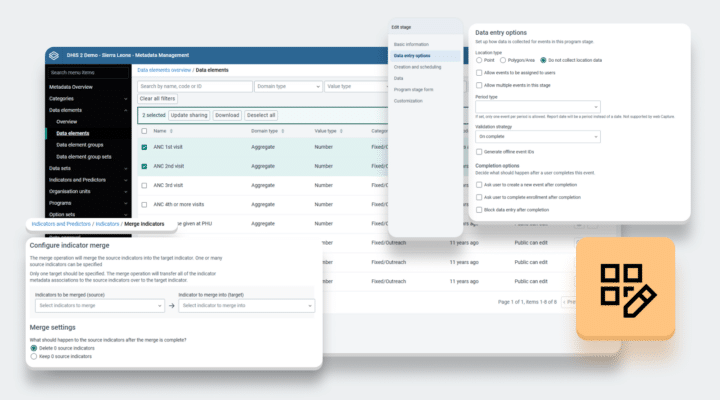
    • New Metadata Management App: The primary tool for system administrators is rebuilt and released using a modern React-based architecture and consistent design patterns. The new version extends functionality and improves user experience.
    • More flexibility: More configuration options across all domains. DHIS2 theme, optimized search processes, simplified analytics user experience, support for relative EPI weeks, secured sensitive data, and customized app labels.

    Browse the full list of new features below, and explore our guide to how they can be used in the context of epidemiological surveillance. You can also read the release announcement on the DHIS2 Community of Practice for more details and share comments and questions with us.

    For a complete overview of new features in our mobile application, visit the Android Capture v3.4 overview page.

    Performance Improvements

    The main focus of this version is on improving performance. This covers faster import endpoints and analytics queries, the possibility to set up dedicated analytics databases, better capture app responsiveness, optimized search for Tracked Entities, and more granular sync targets and periods in Android. In addition we have improved our internal infrastructure for more systematic testing and comparison of endpoints and backend changes.

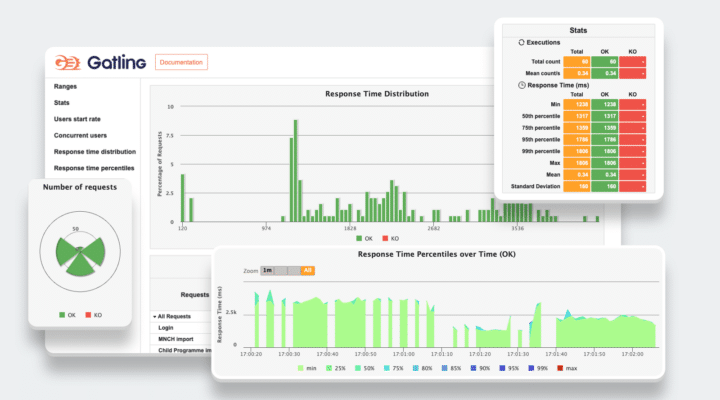
    Infrastructure to measure and compare DHIS2 performance

    New infrastructure for systematically benchmarking DHIS2 performance across versions, enabling data-driven release QA. Preliminary v43 results show major import/export gains vs v42/v41. Follow the Roadmap Idea link for full methodology and details.

    Learn more

    Dedicated analytics backend database

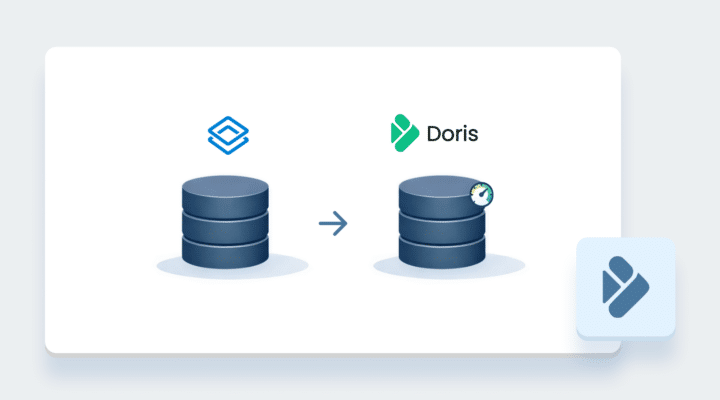
    DHIS2 supports Apache Doris as a dedicated analytics database to improve query performance and analytics table updates. Modernizes backend code with better structure and testing. Available for aggregate data in v42 and individual data in v43.

    Learn more

    Platform API performance improvements

    The Data Import process has been fundamentally rewritten to improve performance. Instead of processing data values one-by-one through a Java middleware layer, the system now sends bulk SQL operations directly to the database, greatly improving imports.

    Learn more

    Tracked Entity Search Performance Configuration

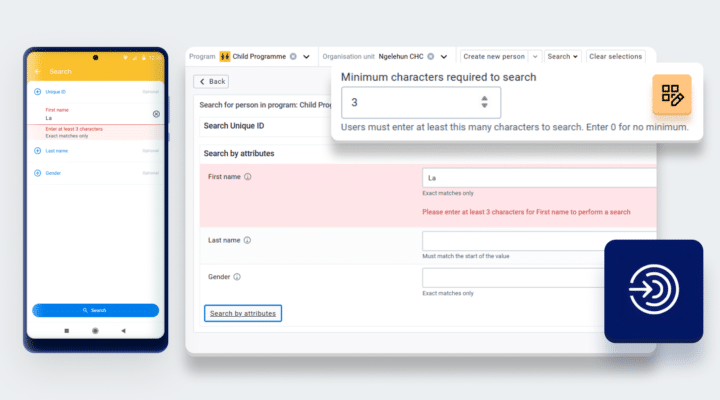
    Configure search operators for tracked entity attributes to improve performance. Web and Android Capture use recommended operators, restrict inefficient ones, avoid LIKE by default, and support min character limits and trigram indexing for faster searches.

    Learn more

    Capture App Performance Improvements

    Improved Capture app performance by optimizing Tracker API usage, removing redundant requests in certain workflows, and resolving slow data entry in large forms.

    Learn more

    Configuration Features

    Features enhancing the management of individual-level data and program workflows.

    New Metadata Management App

    The Metadata Management App replaces and improves the Maintenance app, the primary tool for system administrators to configure metadata such as data elements, data sets, programs, and organisation units.

    Learn more

    DHIS2 Custom Theme

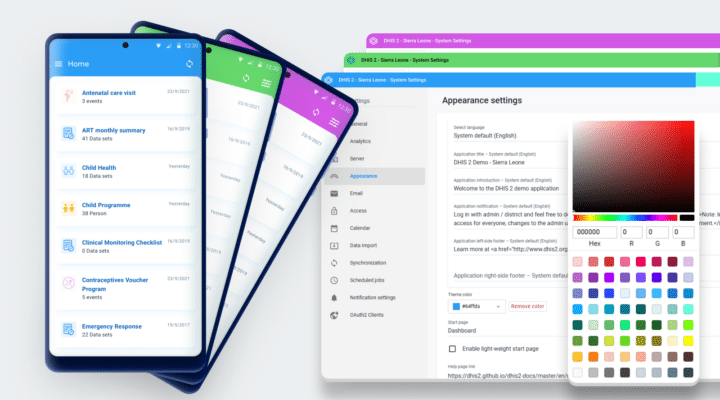
    Custom colors can now be applied to parts of the DHIS2 UI. This option can be configured in the System Settings app, and it applies to the header bar on web and to the theme on mobile.

    Learn more

    [Experimental] Custom translations / Custom terminology

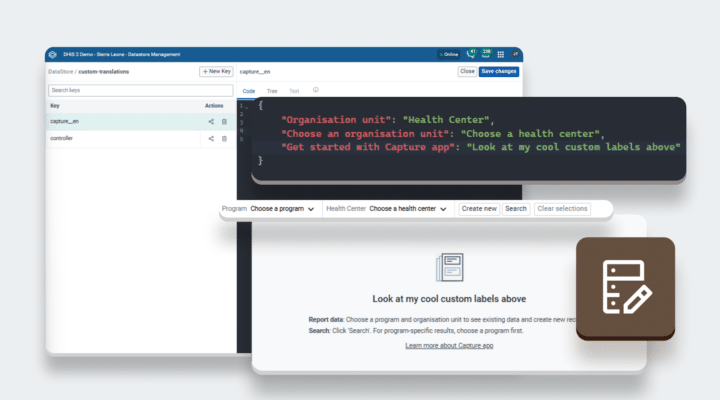
    Custom translations or terminology overrides can now be applied to any text in a selection of apps by using the datastore. This can be used for both improving localization and using context-specific terminology in apps.

    Learn more

    Data Collection Features

    The data collection apps include user experience improvements like support for JavaScript in custom forms, reimplemented under new security standards, and Markdown styling in the feedback widget of Android Capture, soon also in Web Capture. This version also improves filtering in working lists and extends configurability related to securing information and optimizing program rules.

    Support JavaScript in custom Data Entry Forms

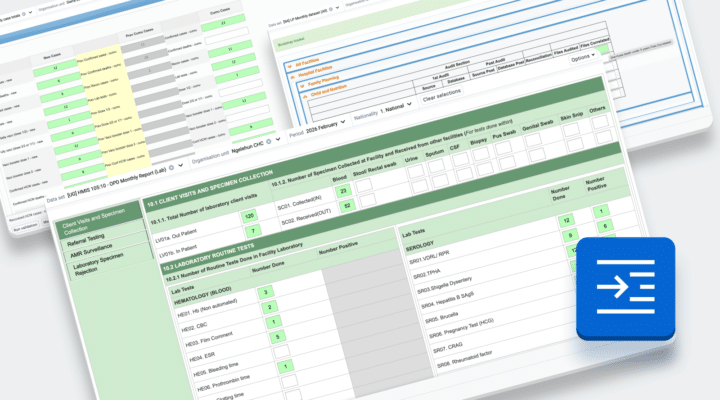
    This feature introduces a new plugin in the Data Entry App that restores JavaScript support in custom forms.

    Learn more

    Non-analyzable Tracked Entity attributes

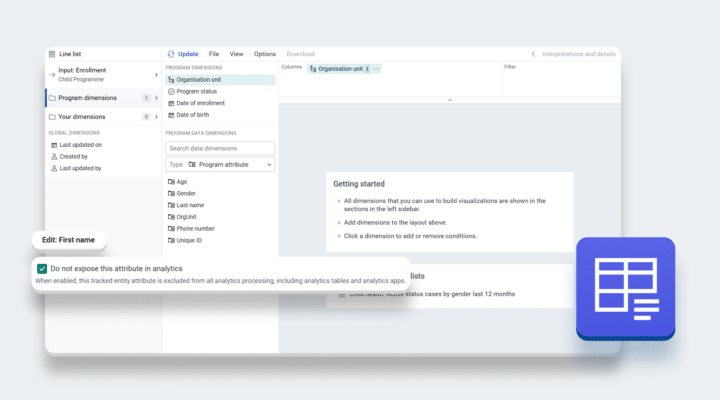
    Excludes tracked entity attributes from analytics using a “Skip in Analytics” option, improving performance and preventing sensitive data from being included in analytics processing.

    Learn more

    Program rule priority for Actions

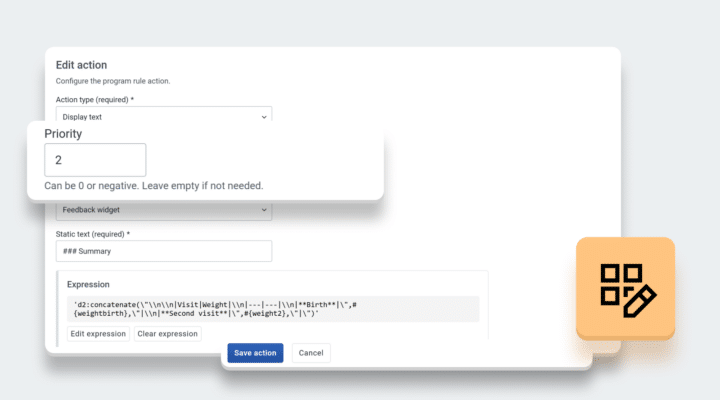
    Introduces priority for program rule actions, allowing control over the order in which actions are applied and displayed.

    Learn more

    New value type filters in working lists

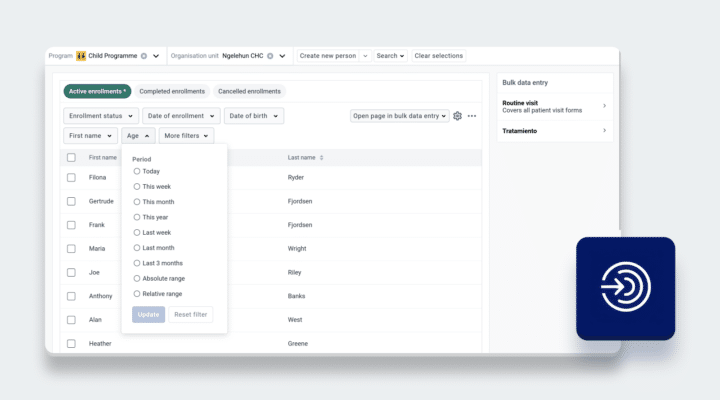
    Extends working list filtering by adding support for additional value types, enabling more flexible and accurate data filtering.

    Learn more

    Data Analysis Features

    From this version, implementers can disable analytic periods that are irrelevant for their implementations and configure all weekly and financial weeks for relative periods. The Dashboard app now supports automatic slide view mode for management rooms or monitoring scenarios, and the Maps app adds environmental layers, multiple timelines, and split-map views to enhance its analytic capabilities.

    Enable and disable period types

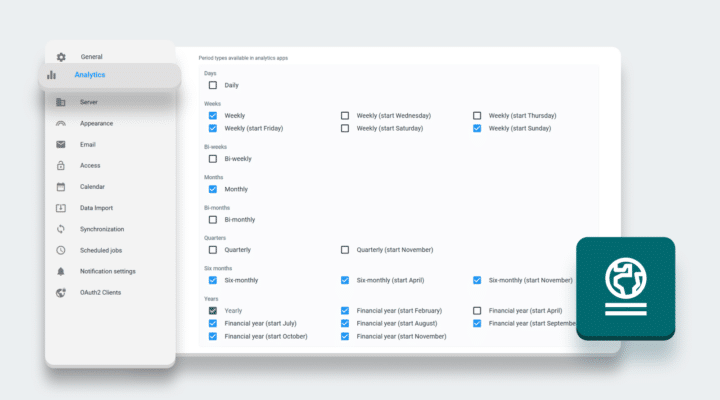
    Period types for analytics can be enabled/disabled in System Settings, simplifying the analytics app interface by showing only relevant periods. Disabled periods are excluded from analytics table generation, improving performance and reducing processing time.

    Learn more

    Expanding support for weekly and financial year relative period types

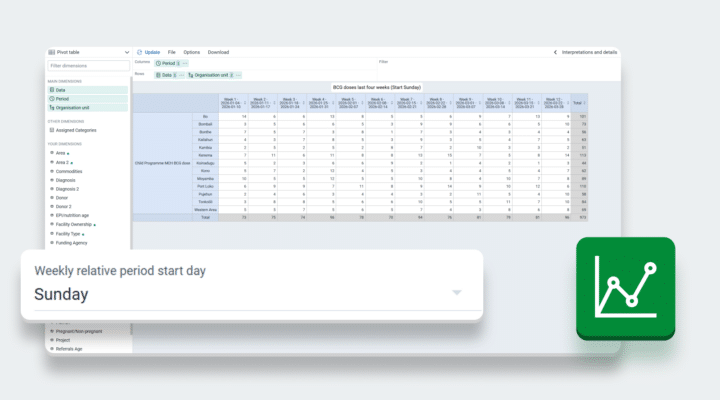
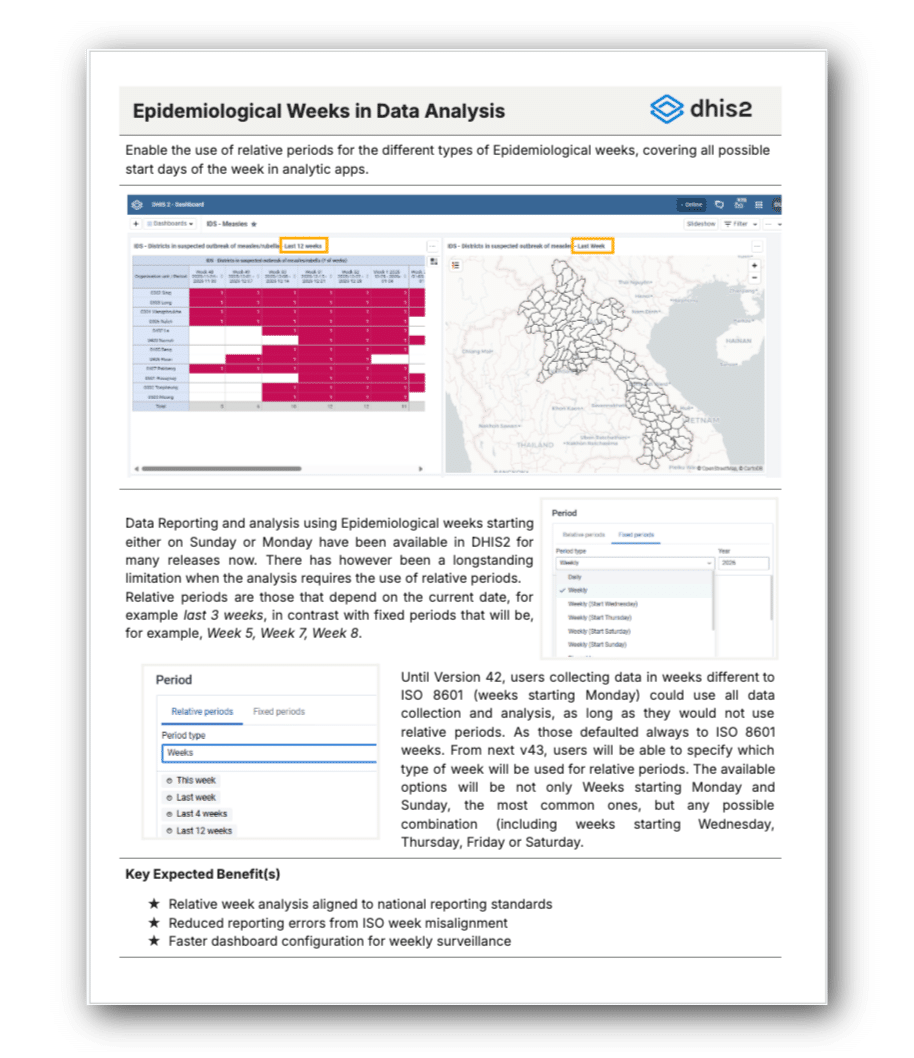
    Configure the start day for weekly relative period in System Settings, enabling analysis for periods like “this week”, “last week” with other start days than Monday. Financial year now also supports February, August, and September as start months.

    Learn more

    Dashboard slideshow autoplay

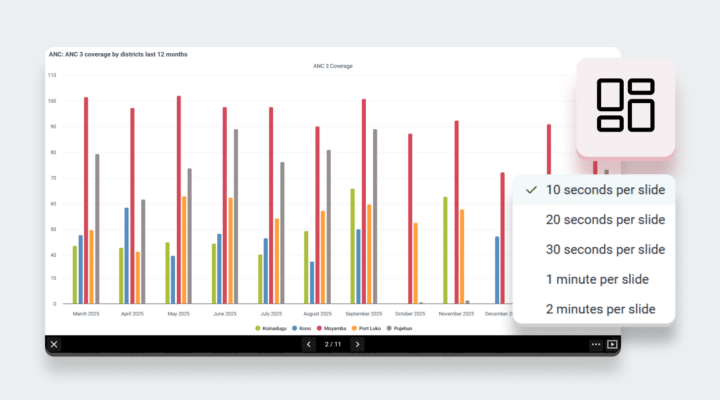
    Dashboard slideshows now support autoplay. When play is clicked it will advance based on the timing setting, with a countdown on the play/pause button. The slideshow loops continuously, and a warning appears if it has been 24 hours since it started.

    Learn more

    Environmental layer sources for Maps app

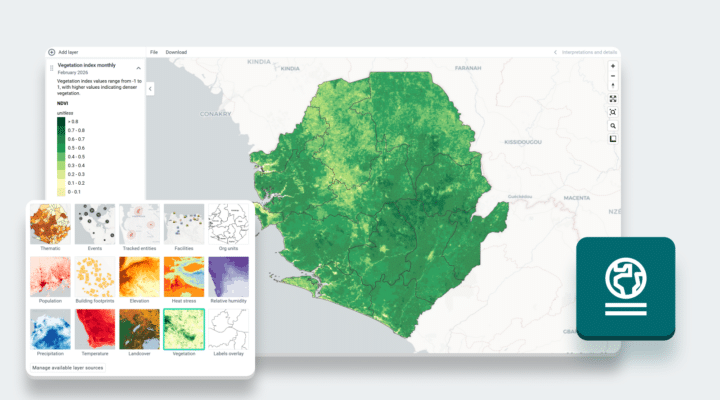
    The Maps app now includes new climate layers including precipitation, temperature, vegetation indices, humidity, and heat stress to align with layers available in the DHIS2 Climate app and enrich geographical analysis alongside other data.

    Learn more

    Multiple timeline and splitmap layers in Maps

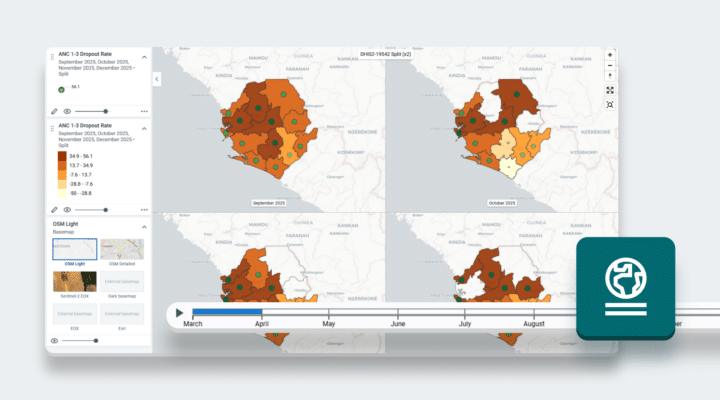
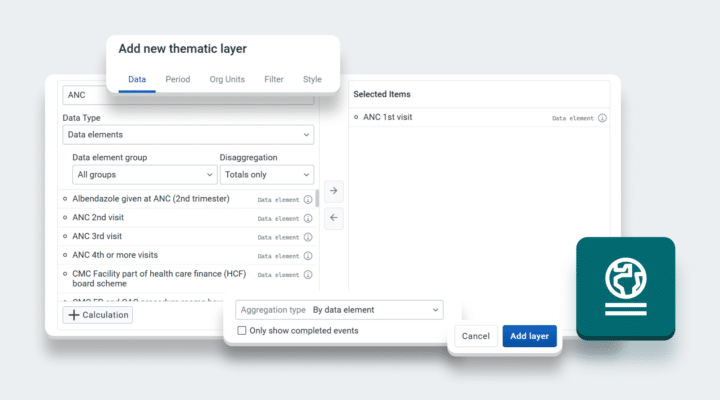
    Multiple thematic layers can now be added as timeline or split map, enabling side-by-side comparison of several data items (data elements, indicators etc.) over time, with periods syncing automatically across layers where those map types are enabled.

    Learn more

    Harmonization of Maps Data item selector with other analytics apps

    The Maps app now uses the same data item selector as Data Visualizer, replacing the previous selector with a unified experience across analytics apps. Improvements include search, filtering, data item definitions, and the ability to create custom calculations directly in the Maps app.

    Learn more

    Platform Improvements

    Platform improvements address key user experience issues like PIN creation in Android and the handling of expired web sessions, and enhances platform navigation with fuzzy search and expanded shortcuts for the main menu. Additional work includes fixing stale values after tracker aggregations, code refactors and optimizations, and upgrading the Hibernate framework and Highcharts library.

    Session expiration handling

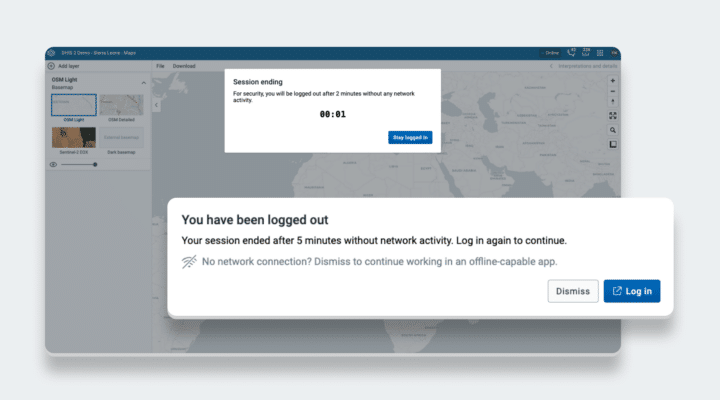
    Session expiration is now gracefully handled in DHIS2 applications: a notification appears when a user’s session is soon to expire, and when the session has expired, a dialog appears with an option to log in again in a new tab.

    Learn more

    Expanded support for shortcuts

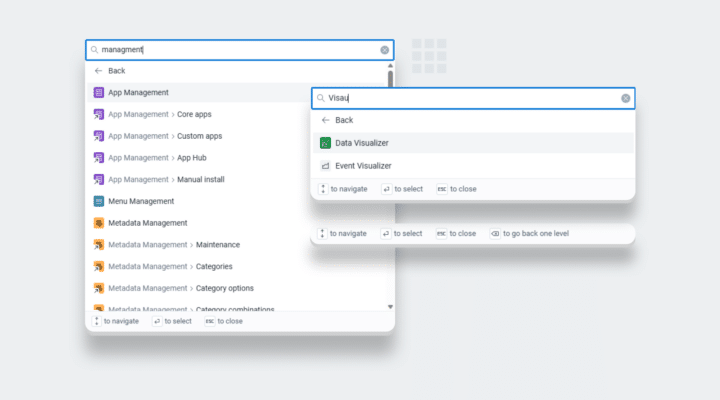
    The app menu/Command Palette now offers fuzzy search for matching results similar to the user’s search, shortcuts for more core apps, and results for an app’s shortcuts when searching for that app.

    Learn more

    Data Exchange - Remove stale values

    The aggregate data exchange has been updated to send the full scope of all possible data values specified in the exchange request. The full scope is then deleted before the new values are imported, removing the possibility of stale values persisting.

    Learn more

    Capture App migration to DHIS2 Standards

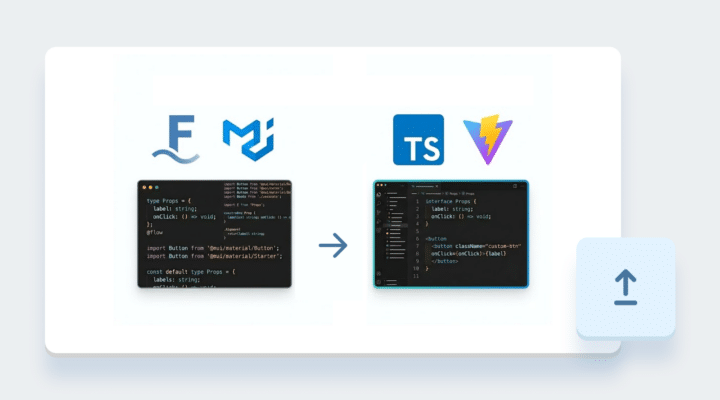
    Migrated Capture app to DHIS2 standards by adopting TypeScript, React 18, and App Platform (Vite), while upgrading core libraries. Improves maintainability, performance, and alignment with the DHIS2 frontend ecosystem.

    Learn more

    Separation of Tracker Program Events and Event Program Events

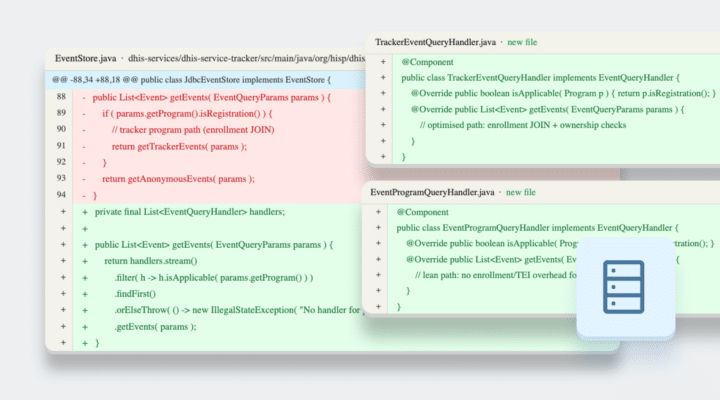
    Single events and tracker events are now separated into distinct database tables and object models, improving validation, access control, performance, and enabling more efficient rule execution and data export.

    Learn more

    Hibernate Upgrade

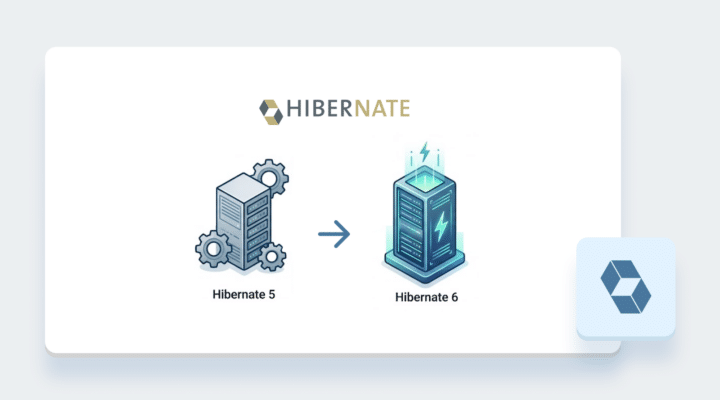
    Upgrades the DHIS2 backend from Hibernate 5 to Hibernate 6, addressing deprecations and ensuring compatibility with modern Java persistence standards.

    Learn more

    HighCharts v12 upgrade

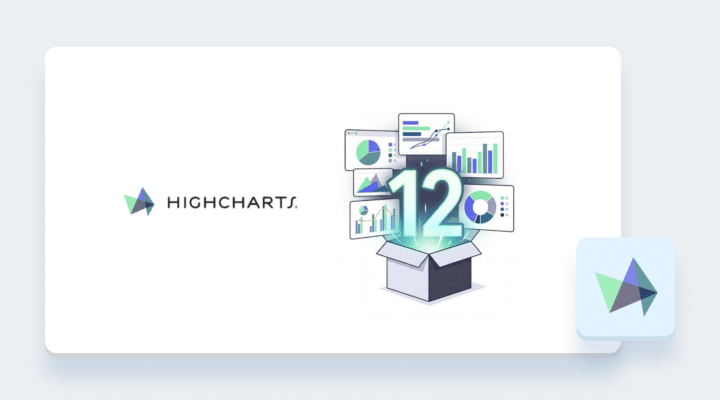
    The Data Visualizer chart library has been upgraded to Highcharts v12. Chart exports to PDF and PNG now happen client-side rather than on the server, giving faster and more reliable exports, including full support for non-latin characters in PDF exports.

    Learn more

    Explore new DHIS2 features in context

    The new features in DHIS2 v43 can be applied to any domain or use case you can imagine. To illustrate how they can be used specifically to improve DHIS2 systems for epidemiological surveillance, we have produced a short guide showing examples of these features in context.

    Explore v43 for Epidemiological Surveillance

    Release Information & Demo

    Click on the links in the table below for more information about this software release and to access an interactive demo. You can also add comments or ask questions about this release on the DHIS2 Community of Practice.

    To find more details about...Follow this link:
    Download release and sample databaseDownloads
    Documentation and JavadocsDocumentation
    Full list of features and bugsRelease Note
    Source code on GithubDHIS2 source code
    Demo instanceDemos
    Docker hub imagesDocker repository
    DHIS2 communityDHIS2 Community of Practice